> ## Documentation Index
> Fetch the complete documentation index at: https://help.opus.pro/llms.txt
> Use this file to discover all available pages before exploring further.
# Delete a Project
## How Can I Delete a Project?
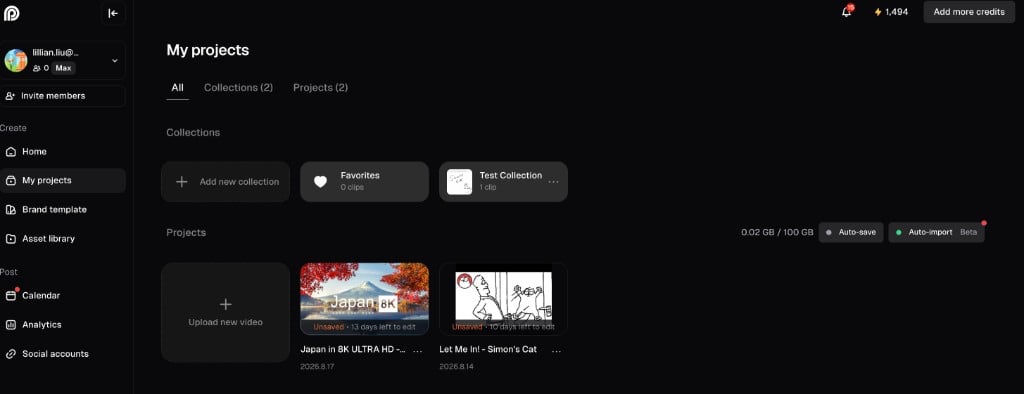
If you need to delete an unwanted project from your OpusClip account, you can do so by navigating to My projects page. You can click [here](https://clip.opus.pro/projects) to get to it faster!
Once you're on My projects page.
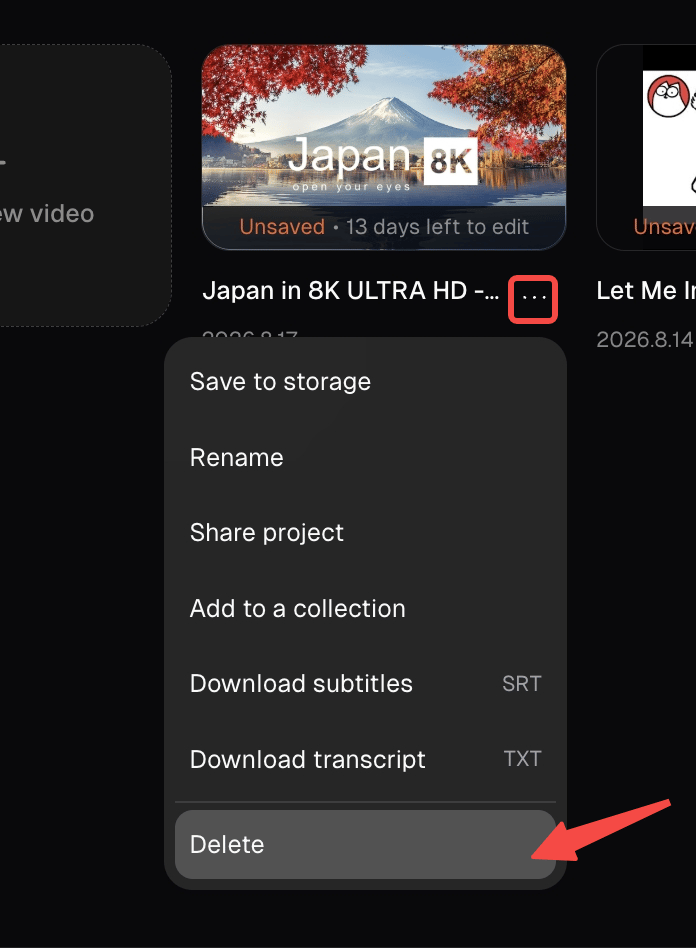
From there, hover and click onto to the 3 dot icon and a popup should open giving you the option to delete.
This documentation is built and hosted on [Mintlify](https://mintlify.com), a developer documentation platform.