> ## Documentation Index
> Fetch the complete documentation index at: https://help.opus.pro/llms.txt
> Use this file to discover all available pages before exploring further.
# Customize My Posts
## Add hashtags for my social posts
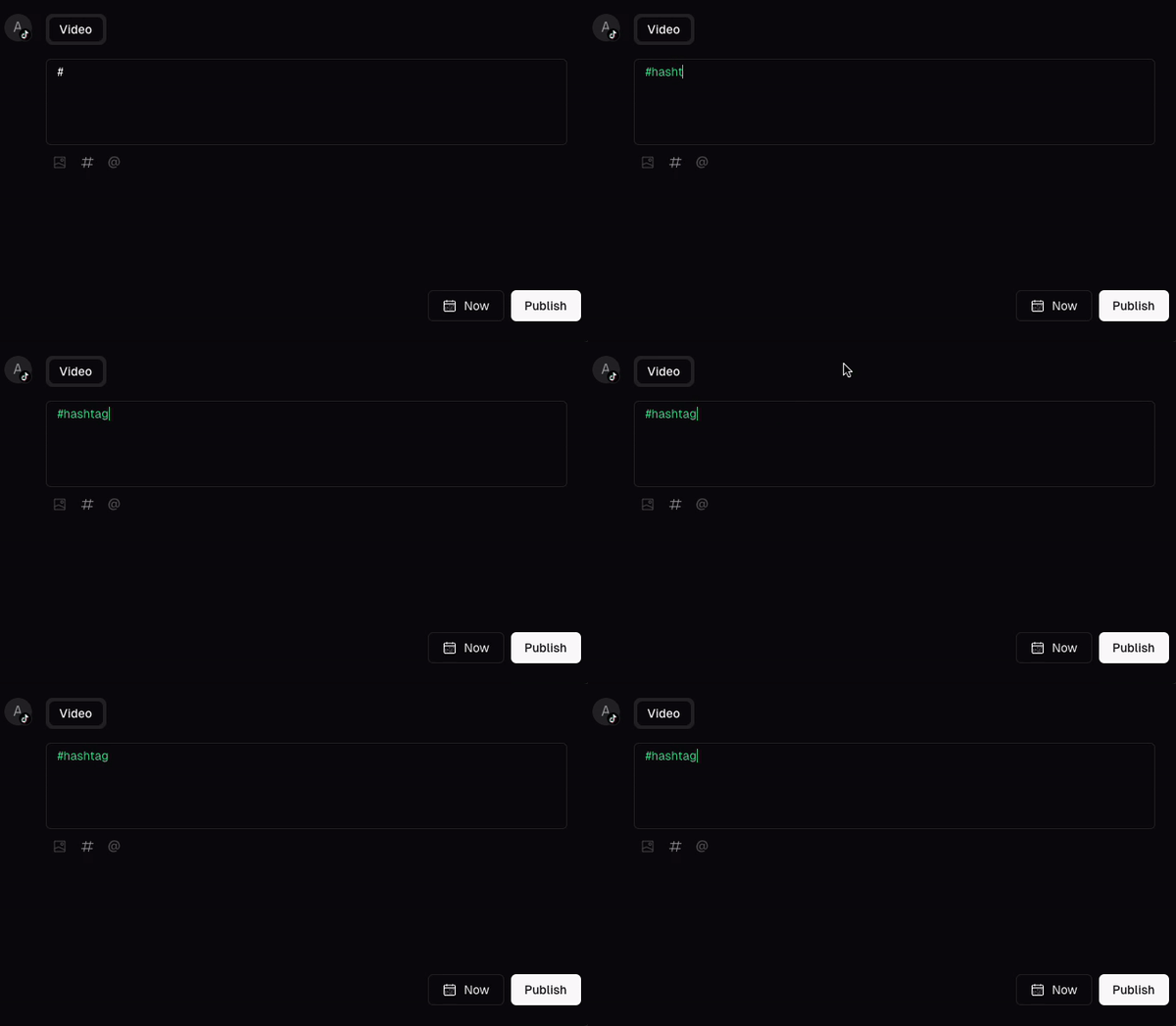
### Add hashtags
You can add hashtags when scheduling your posts by directly typing the hashtags. The hashtags will be automatically recognized by different platforms.
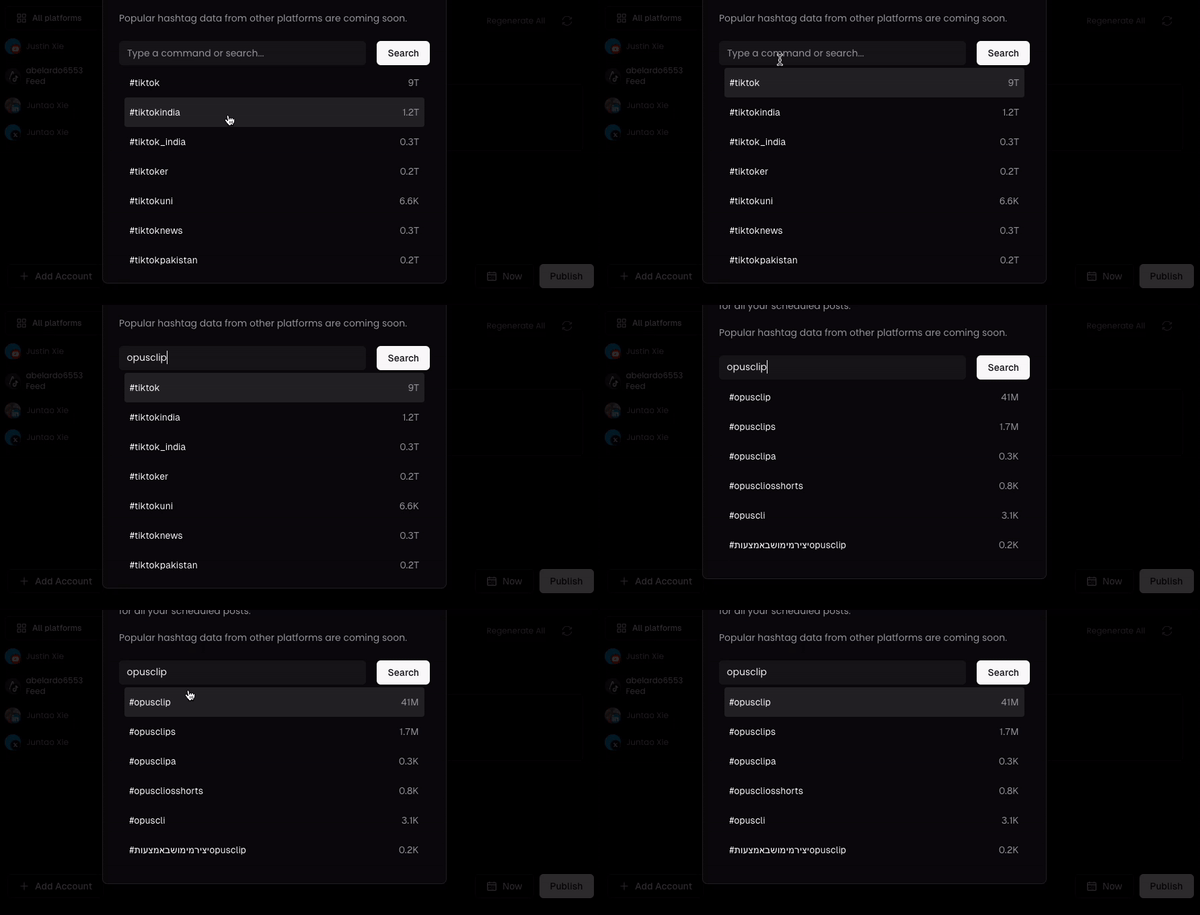
### Popular hashtag trends
For TikTok, you can also search for popular hashtags and see their trendiness. You will see how many times the hashtag has been used.
## Tag other collaborators in my post
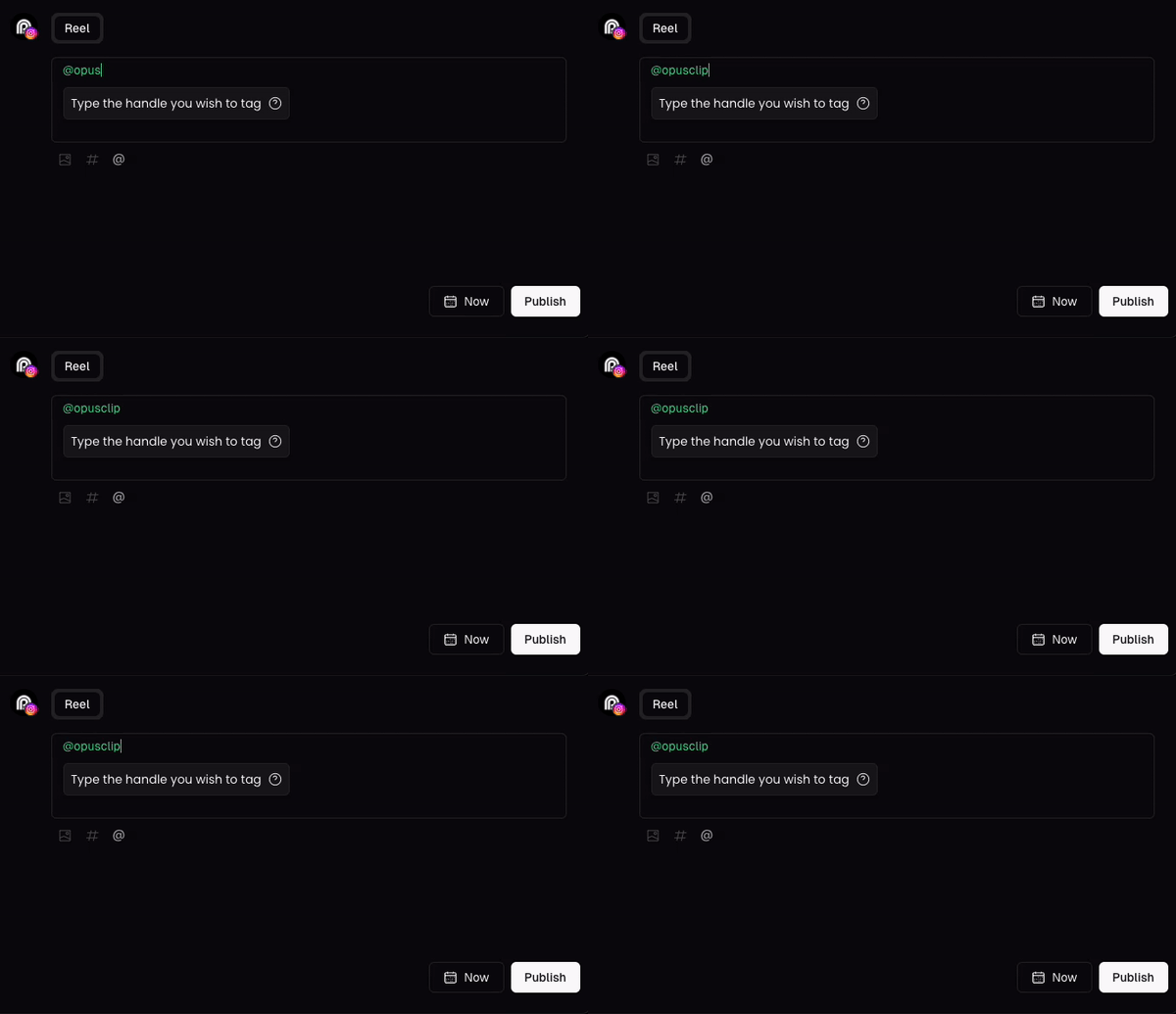
You can now tag other collaborators when scheduling an Instagram post. You just need to type the correct handle in the post descriptions.
### AI Features / Post Customization
AI-generated titles, descriptions, and hashtags are also available and editable before posting on the **OpusClip iOS app**.
### Limitations:
* The tags have to refer to a valid Instagram handle, and the account must be public.
* Now we only support tagging other users on Instagram. If you want this feature for other platforms, please let us know by clicking upvote for that feature!
## Include YouTube link to full video in my social posts
You can now add the full video link automatically when publishing posts to YouTube. Just tick the **"Add the full video link to your YouTube post"** checkbox — the link lands between your caption and hashtags.
### Limitations:
* Available on OpusClip Web only.
* We currently only support adding the full video link when publishing to YouTube. If you want this feature for other platforms, please let us know by clicking upvote for that feature!
This documentation is built and hosted on [Mintlify](https://mintlify.com), a developer documentation platform.